 3D Polyline (ready list) - creates a polyline that passes through the list of
  points provided:
 3D Polyline (ready list) - creates a polyline that passes through the list of points provided:
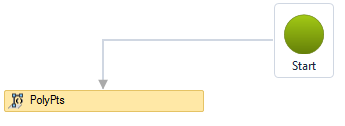
This activity is normally used to create longitudinal devices, such as  channels, as they are generated by the
  Swept activity:Esta atividade normalmente é usada para criar dispositivos longitudinais, tais como canaletas, pois são geradas pela atividade Varredura:

The 3D polyline (ready list) activity has the following properties:

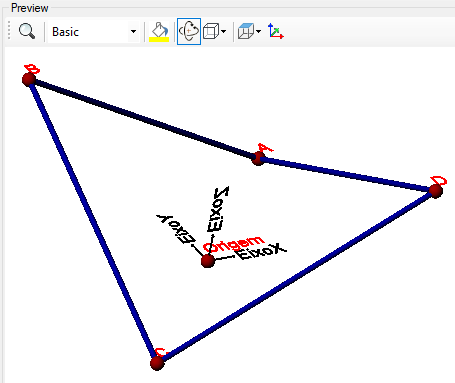

If the text is too big/small, or the sphere representing the point is too big or small, use the buttons ( A, a,  ,
,  ) at the top of the screen to change the preview
Properties (for use in VB expressions)
implements the curves properties
Methods (for use in VB expressions)
implements the curves methods