 SOLIDOS Modeler - Sphere
SOLIDOS Modeler - Sphere
SOLIDOS Modeler - Sphere
 Sphere - creates a sphere with a specified
 center and radius:
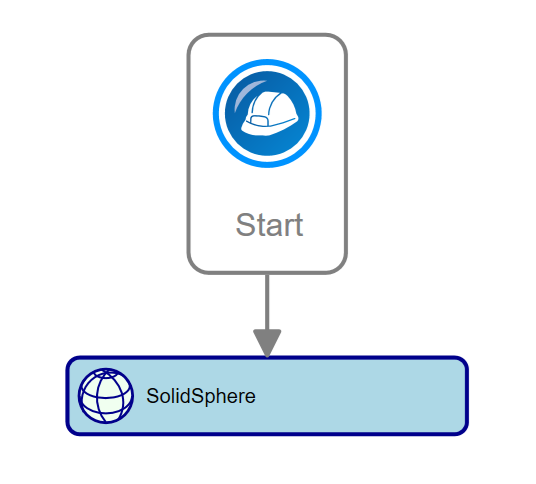
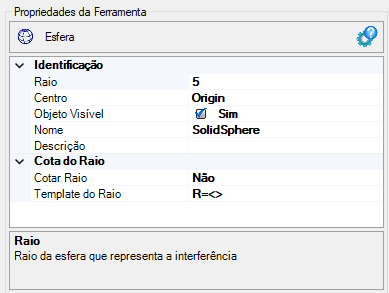
The Sphere activity has the following properties:
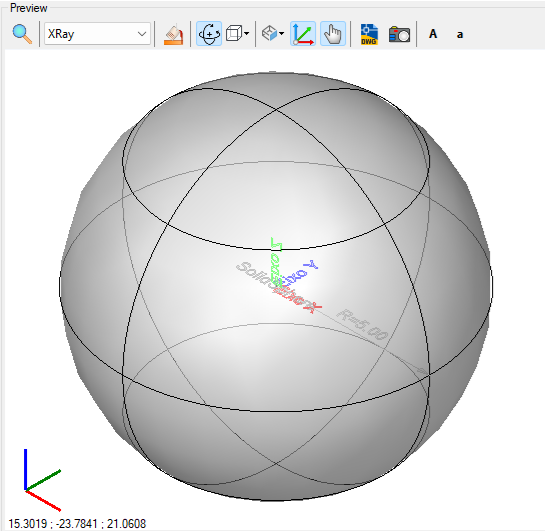
If the text appears too large/small, or the sphere representing the point appears too large or small, use the buttons (A, a,
 ,
,
 ) at the top of the screen to adjust the preview
Properties
Implements the methods for solids