 3D Rotate - creates a rotated copy of a geometry, at a given
  point,
  axis and rotation:
 3D Rotate - creates a rotated copy of a geometry, at a given point, axis and rotation:
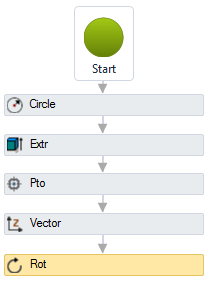
Note, the source item will not be modified. The geometry is cloned and then rotated to another position.
The Rotate 3D activity has the following properties:
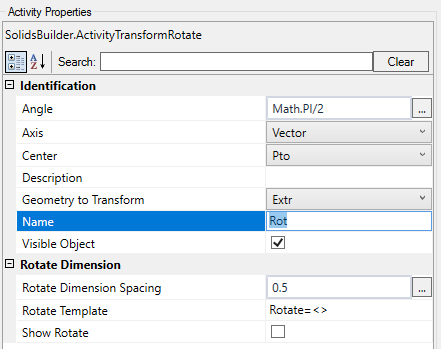 vector that will serve as the turning axis point that will serve as the center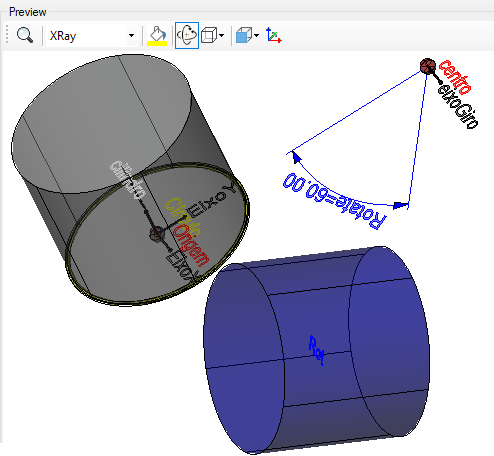
If the text is too big/small, or the sphere representing the point is too big or small, use the buttons ( A, a,  ,
,  ) at the top of the screen to change the preview